
Click & Serve, the QR code-based table ordering solution
Your customers scan, order, and pay right from their table. The order goes directly to the kitchen, and your staff can focus on welcoming guests and providing service.

Google Reviews: 4.9/5

+ 3,000 restaurant owners trust Innovorder to boost their business.














Get even more orders.

Increase table rotation
An average of 12 minutes saved per table

Increase your average basket size
+19% thanks to the "
" supplement recommendations
" supplement recommendations

Generate More Orders
A 11% increase in orders, thanks
to a complementary sales channel
to a complementary sales channel
Source: Atlas, the Innovorder data platform – Sample of 1,000 customers, Q1 2026.
Save time with every order via QR code.
Save time on service.
Once seated, your customers scan the QR code at their table and view your menu. Your staff no longer has to hand out menus or wait for each table to be ready—they can focus on welcoming guests and providing service.
Once seated, your customers scan the QR code at their table and view your menu. Your staff no longer has to hand out menus or wait for each table to be ready—they can focus on welcoming guests and providing service.
Save time when taking orders.
The order is sent instantly to the kitchen, your printer, or your production screen. The table number appears automatically: no retyping, no errors.
The order is sent instantly to the kitchen, your printer, or your production screen. The table number appears automatically: no retyping, no errors.
Save time at checkout.
Your customers pay when they confirm their order—by credit card, Apple Pay, Google Pay, or digital meal vouchers (Swile, Edenred, etc.)—or via an e-wallet for institutional dining. Each customer pays for their own order and receives a receipt by email. Those who prefer can pay at the register.
Your customers pay when they confirm their order—by credit card, Apple Pay, Google Pay, or digital meal vouchers (Swile, Edenred, etc.)—or via an e-wallet for institutional dining. Each customer pays for their own order and receives a receipt by email. Those who prefer can pay at the register.
Equip my restaurant


Increase your restaurant's profitability .
Increase your table turnover.
Ordering and payment no longer depend on the availability of your servers. Tables turn over faster, and you can serve more customers during each seating.
Ordering and payment no longer depend on the availability of your servers. Tables turn over faster, and you can serve more customers during each seating.
Increase your average order value.
At every step of the ordering process, Click & Serve suggests a drink, dessert, or add-on that goes with the meal. Your customers will naturally add items to their cart.
At every step of the ordering process, Click & Serve suggests a drink, dessert, or add-on that goes with the meal. Your customers will naturally add items to their cart.
Handle the rush with the same team.
During peak hours, taking orders and processing payments no longer rely solely on your servers. You can process more orders without overloading your schedule.
During peak hours, taking orders and processing payments no longer rely solely on your servers. You can process more orders without overloading your schedule.
Equip my restaurant
Provide an optimal customer experience .
Everyone orders at their own pace.
Your customers order as soon as they're ready, without having to wait in line at the counter. A coffee, a dessert, a second round? Just scan again.
Your customers order as soon as they're ready, without having to wait in line at the counter. A coffee, a dessert, a second round? Just scan again.
A menu that makes your mouth water.
Photos of your dishes, detailed descriptions, and clearly presented options and add-ons: your customers know exactly what they’re ordering and can add a note if needed (cooking preferences, allergies).
Photos of your dishes, detailed descriptions, and clearly presented options and add-ons: your customers know exactly what they’re ordering and can add a note if needed (cooking preferences, allergies).
An experience that reflects your brand.
Showcase your best-sellers, menus, and promotions: your digital menu extends your brand. A promo code field also lets you share your marketing campaigns directly at the table.
Showcase your best-sellers, menus, and promotions: your digital menu extends your brand. A promo code field also lets you share your marketing campaigns directly at the table.
Equip my restaurant

How does table ordering via QR code?
With Innovorder Click & Serve, your customers can place orders on their own from their table. Take 2 minutes to explore the process.
1
Your customers scan the QR code at their table.
2
They look at your menu and place their order.
3
They pay using their smartphones, or at the register if they prefer.
4
The order goes straight to the kitchen.
5
You can serve customers at their tables or call them over to the counter.
A wealth of features for an optimal experience.
All of Click & Serve's features are designed to streamline your service and simplify your customers' experience.


A QR code ordering system that can stand alone or be integrated with your point-of-sale system.
Click & Serve works with the equipment you already have. Our teams will work with you to determine the best configuration for your establishment.

A dedicated project manager, a clear pricing structure.
The Click & Serve license is available starting at €139 per month, excluding tax.

Remote Configuration
Your project manager will work with you to design your menu, choose your colors, and assign your table numbers.
Training in less than 1 hour
Your team has the autonomy to edit the map and track orders.
There's just one requirement: 4G
Your customers place orders from their own smartphones, without having to download an app.
Equip my restaurant
Why Choose Innovorder?
Innovorder is the only all-in-one ecosystem that meets all your restaurant's needs.
Omnichannel operation
A 100% cloud-based solution
Free, unlimited updates
An open ecosystem
A dedicated contact person
An NF525-certified crate
Let's build a synchronized, tailor-made ecosystem to boost your restaurant's performance.

Self Ordering Kiosk
Simplify the ordering process

Cash register
Control your business at your fingertips

Online Ordering
Increase your order volume

Production screen
Boost your
productivity in the kitchen
productivity in the kitchen

Client screen
Communicate with your customers and delivery people

Reception
Optimize your order management

Connected fridge
Offer a 24/7 catering service

AI tray scan
Eliminate queues

Order at the table
Receive more orders simultaneously

Automatic coin acceptor
Save time on cash payments

E-Wallet
Modernize the use of guest badges

Atlas
Turn Your Data into Decisions

Control Pad
Place your order right at your table

Back Office
Easily set up your points of sale

Loyalty Program
Keep your customers coming back

IO Pay
Payment made easy

Innovorder Food Court
: Reinventing the Customer Experience
Synchronize Innovorder with your favorite integrations.









Ordering at the table, including in institutional dining settings.
In institutional dining, meal times are limited and there are significant peaks in customer traffic. With Click & Serve, your guests can order from their tables and are served right there.

Shorter wait times
No more waiting in line at the counter: your guests can order from their tables.

Payment via e-wallet
Your guests can pay directly from their smartphones.

A kitchen that looks ahead
Orders keep coming in steadily, even during the 12:30 p.m. rush.
Go even further with our selection of articles.

Why use QR codes in your restaurant?
If you're about to open your own restaurant, or if you're still one of the die-hard restaurateurs who hasn't yet adopted the QR code, you'll probably want to take some time to think about it after reading this article!
Expanding your business

QR Codes at Restaurants: What This Really Means
In the fast-food industry, QR codes make it possible to handle peak traffic without increasing the number of checkout lanes. This is a major advantage that is often underestimated.
Expanding your business
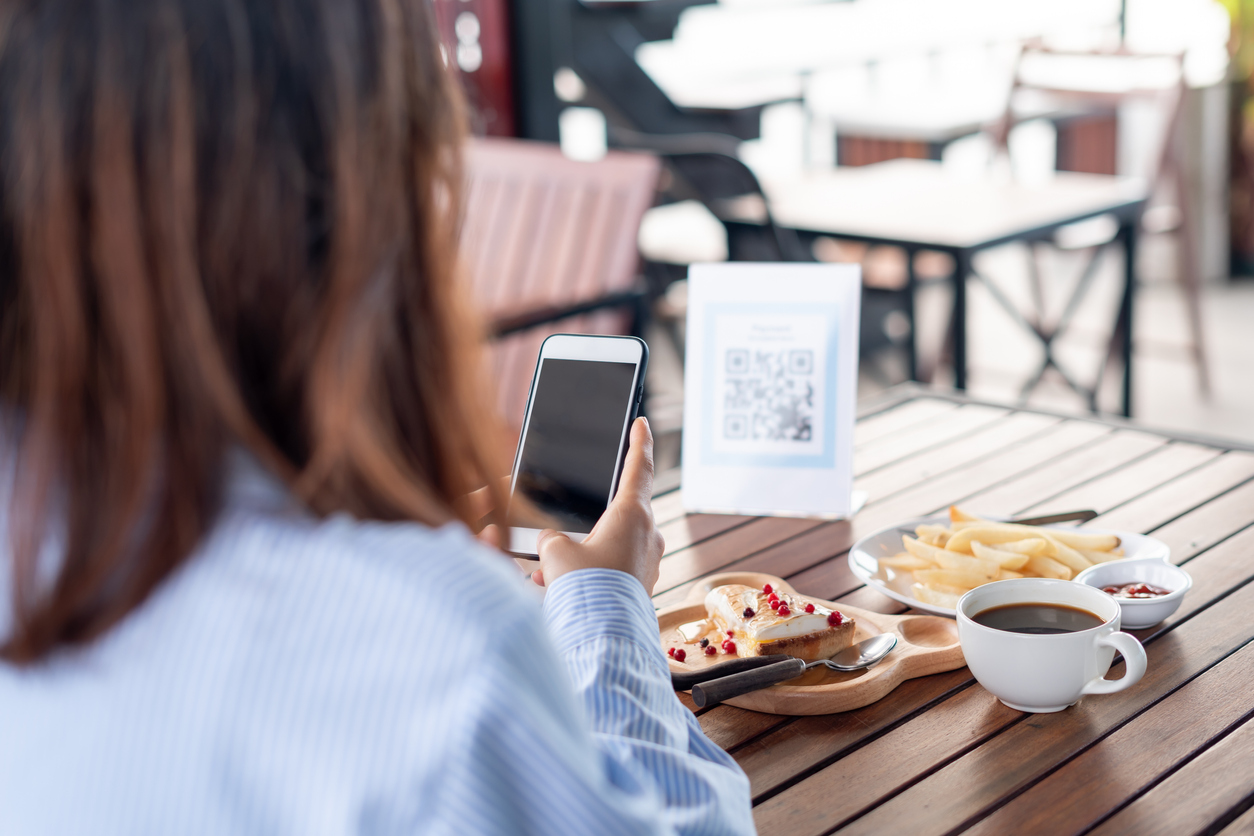
Create a digital menu with a QR code
This digital transformation not only offers an improved user experience but also provides numerous benefits for both restaurant owners and customers.
Expanding your business
Questions we're asked about ordering at the table via QR code:
How does table ordering via QR code work?
Your customers scan the QR code at their table, view your menu, place their order, and pay using their smartphone—or at the register if they prefer. The order is sent instantly to the kitchen, to your printer, or to your order display. Once it’s ready, you serve it at the table, or your customer picks it up at the counter.
Why equip your restaurant with a QR code?
Table ordering streamlines your service and boosts your sales. At restaurants equipped with this system, we’ve seen an average increase of 19% in average check size, 11% in the number of orders, and a time savings of 12 minutes per table. With your staff freed from taking orders and handling payments, they can focus on welcoming guests and providing excellent service.
Do customers need to download an app to order from their table using Innovorder?
Your customers don't have to download anything. All they need is a smartphone capable of scanning a QR code and an Internet connection to access the link generated by the QR code.
Can customers pay in cash?
Yes. Your customers place their orders using the QR code, then pay at the counter—in cash or by card—whichever they prefer.
How is the seating plan respected?
Your waiters won't make any mistakes when serving the dishes, since each table is associated with a QR code via a unique table number.
Can I customize the interface to reflect my restaurant's identity?
Yes, the interface is fully customizable. You can adjust colors, fonts and images to perfectly match your brand and provide a unique experience for your customers.
Can I modify my menu on my own?
Absolutely! You can modify your dishes, adjust prices, set up new special offers and adapt your menu in just a few clicks, directly from your backoffice.
Do my customers need to create an account to order?
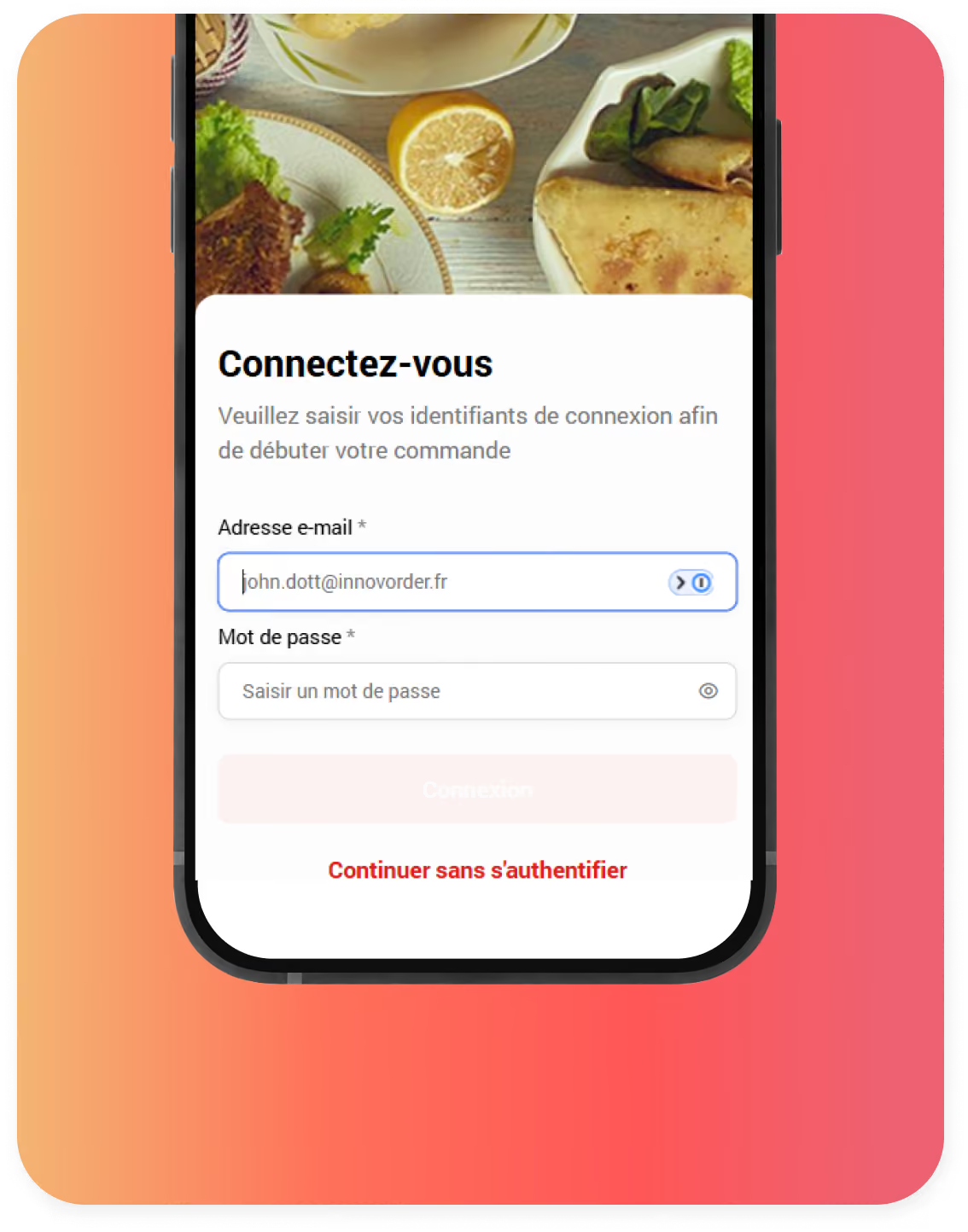
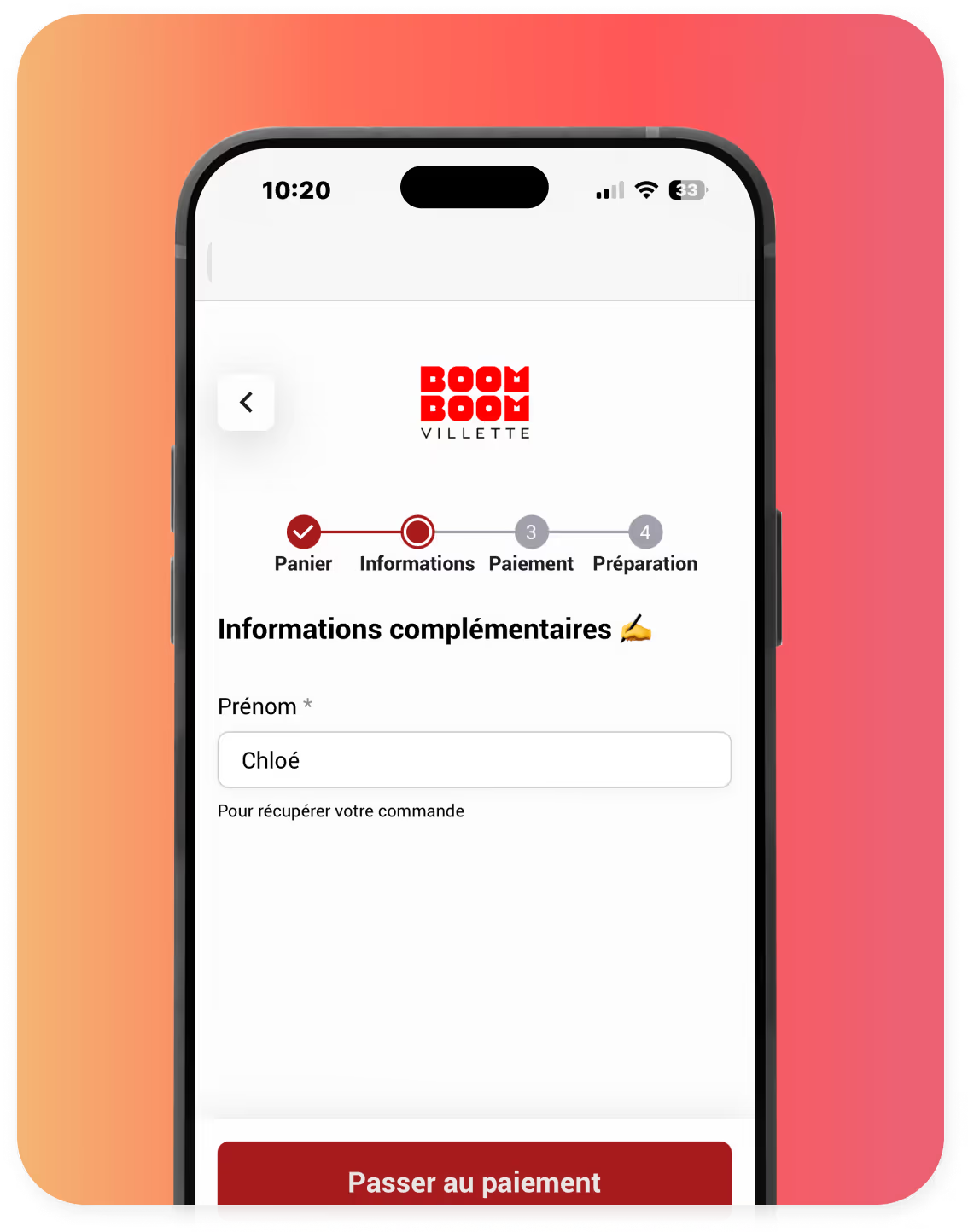
No, our solution is designed to deliver a fast, frictionless experience. No account is required, just a first name to identify and retrieve an order.
Which payment methods are accepted?
Your customers can pay from their smartphones using a credit card, Apple Pay, Google Pay, or digital meal vouchers (Swile, Edenred, etc.). In institutional dining settings, your guests can also pay with their digital wallets. Each person pays for their own order and receives a receipt by email. Payment at the register is still an option.
How much does the Click & Serve solution cost?
The Click & Serve license is available starting at €139 per month, excluding tax.
Do you need an Innovorder terminal to use Click & Serve?
No. Click & Serve works with the order-taking module, which is installed on a tablet or computer. When paired with an Innovorder point-of-sale system, it automatically synchronizes your orders with your other sales channels.
For which types of establishments is Click & Serve suitable?
Click & Serve is designed for establishments with at least 20 seats: fast-food restaurants, bars and pubs, recreational venues such as bowling alleys, campgrounds, and amusement parks, and franchises. It is also used in institutional food service. Do you manage a food court? Discover Innovorder Foodcourt, featuring a single shopping cart for all stalls.
What do you need to install Click & Serve?
A tablet or computer to receive orders, a printer or a display in the kitchen, and a 4G or Wi-Fi connection for your customers. Your advisor will set up the solution remotely, and one hour of training is all it takes.
What is the difference between Click & Serve and the control pad?
With Click & Serve, your customers place their own orders from their smartphones by scanning the QR code at their table. With the order pad, your servers take orders in the dining room using a tablet. Both solutions can be used together in the same restaurant.
What if some of my customers don't want to use their smartphones?
Click & Serve is a complementary ordering channel: it does not replace your counter service or table service. Customers who prefer to order at the counter or pay in cash can still do so.
Can my customers place multiple orders at the same table?
Yes. For a second round or dessert, just scan the order again: each order goes straight to the kitchen.
Ready to get started?
Visit our showroom now for a demonstration and see what your restaurant could look like.
Equip my restaurant