Expanding your business
4
min

Installing a control terminal: 9 mistakes to avoid

Chloé Thévenet
Updated on:
23 April 2026
Share this article

Installing a self-ordering kiosk in your fast-food restaurant isn't just about plugging in new equipment. It's a real opportunity to improve customer service and streamline your day-to-day operations. If you're thinking about it or about to take action, this article is for you!

There are 9 mistakes that come up time and time again in the field. Identifying them before installation is the first step toward avoiding them.

Installing a control terminal: a strategic project, not a simple connection

The terminal at the heart of the customer journey 

As restaurant professionals, you know better than anyone: in this business, every second counts. A well-designed self-ordering kiosk allows your customers to order faster, more independently, while reducing queues. The result? A better customer experience , an increase in the average basket, and less pressure at the checkout.

The benefits of a self-ordering terminal

The benefits of such a system are multiple: 

  • Save time for the teams in the room,
  • Increase in average ticket thanks to automatic upsell,
  • Reduction of order taking errors,
  • Detailed analysis of sales in real time,
  • Improved customer satisfaction.

But you still need to think carefully about the installation of your control terminal and avoid the frequently made and often costly mistakes.

👉 To find out more: Surpass your competitors in 2025: digitalization as your secret weapon

9 Critical Mistakes to Avoid When Installing a Control Panel

Installing a self-ordering kiosk can have a positive impact on your fast food restaurant, provided you avoid some common pitfalls. Here are the mistakes we see all too often and how to effectively prevent them.

1. Not thinking about positioning in the operational flow

A poorly placed kiosk can become a real bottleneck. It's important to consider its location in the customer flow : it must be visible, accessible, and not obstruct traffic.

Ask yourself this question: Can your customers see and access it without feeling like they're disrupting service?

2. Ignoring accessibility and compliance constraints

The implementing decree for the Act of February 11, 2005, on the accessibility of public buildings sets forth specific criteria for interactive equipment. 

Your ordering kiosk must be designed to accommodate wheelchair users, provide sufficient side clearance for maneuvering, feature an interface that can be used without requiring fine or complex movements, and include signage that is legible to people with visual impairments.

A non-compliant station may result in a formal notice, mandatory repairs, and, in some cases, a temporary closure. PRM compliance must be incorporated from the project’s design phase, not as an afterthought.

Ordering terminal at Italian Queen

3. Install without connecting the terminal to the rest of the tech ecosystem

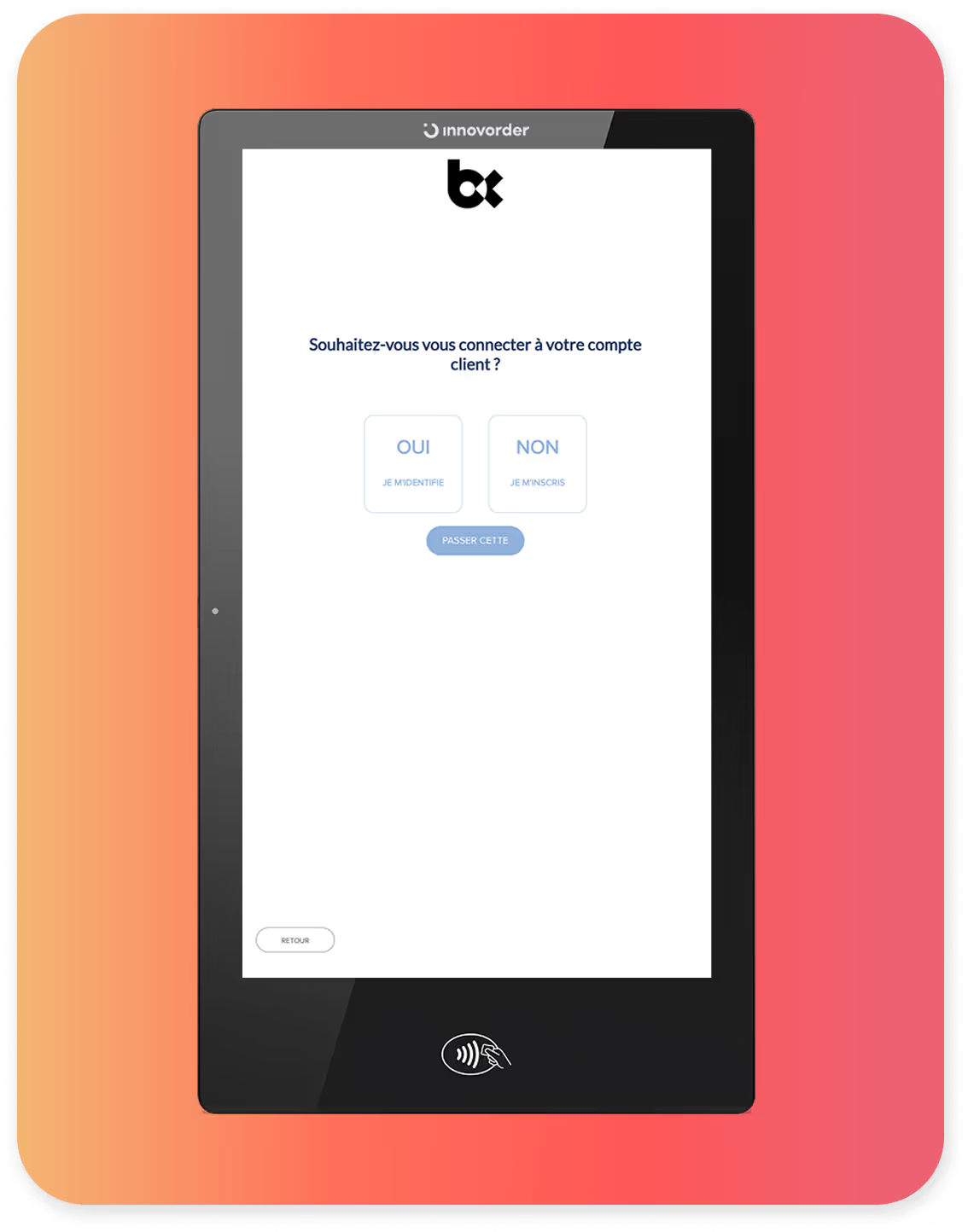
A kiosk that's not connected to the rest of your system can quickly become a source of malfunctions. Make sure the kiosk is integrated with the cash register , inventory management, and your back office. Seamless synchronization prevents order errors, visible stockouts at the kiosk, and guest frustration.

4. Leaving a misconfigured default interface

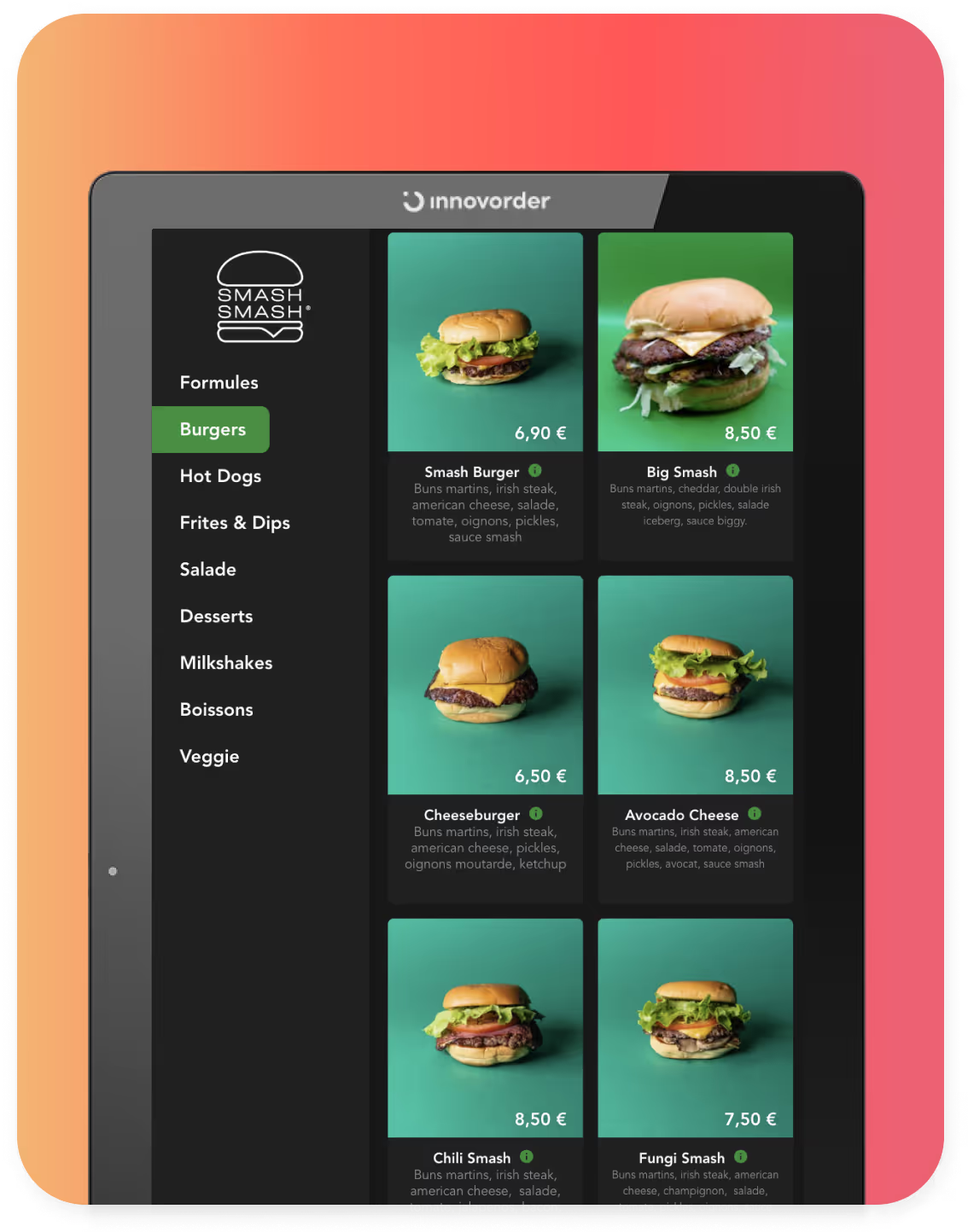
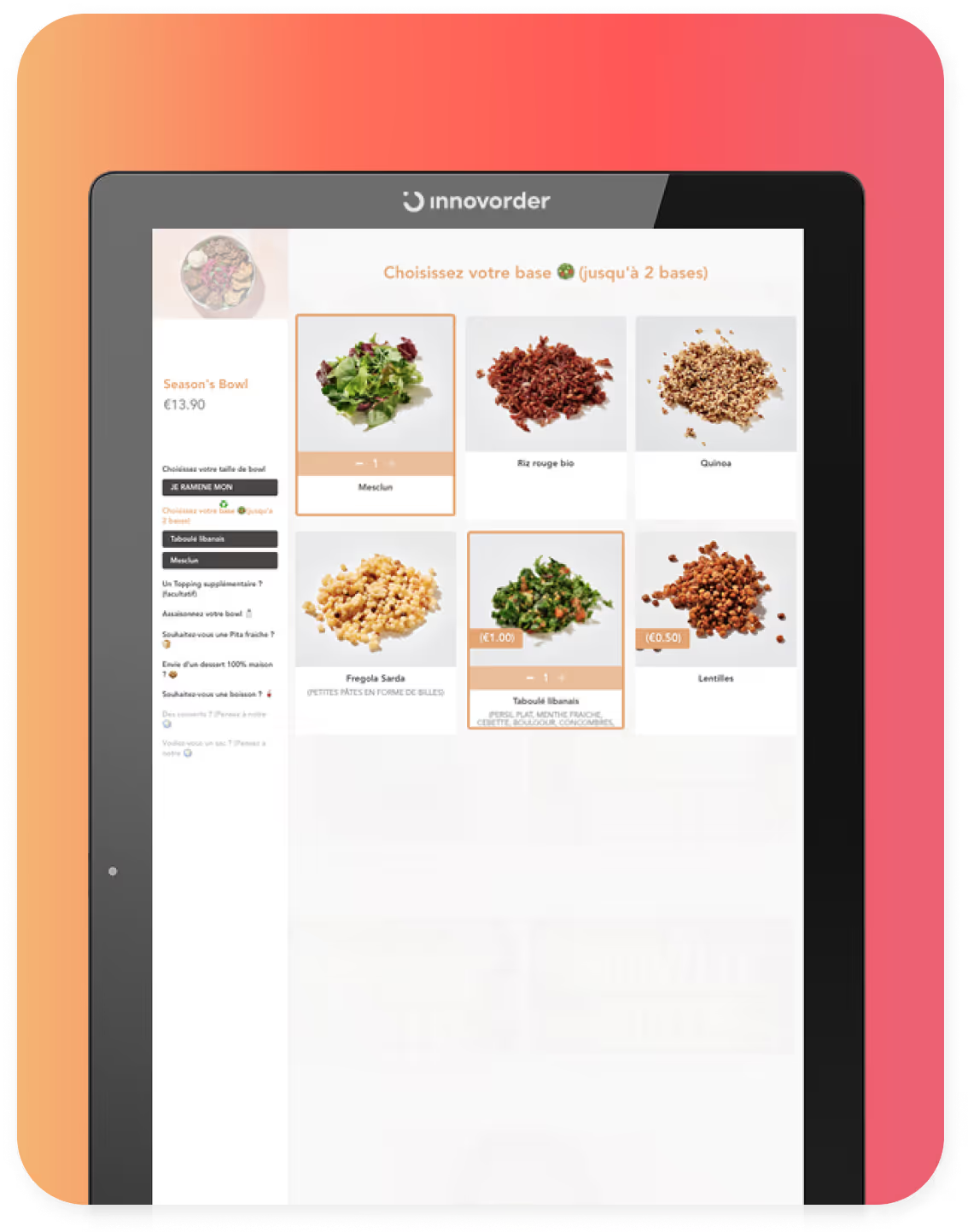
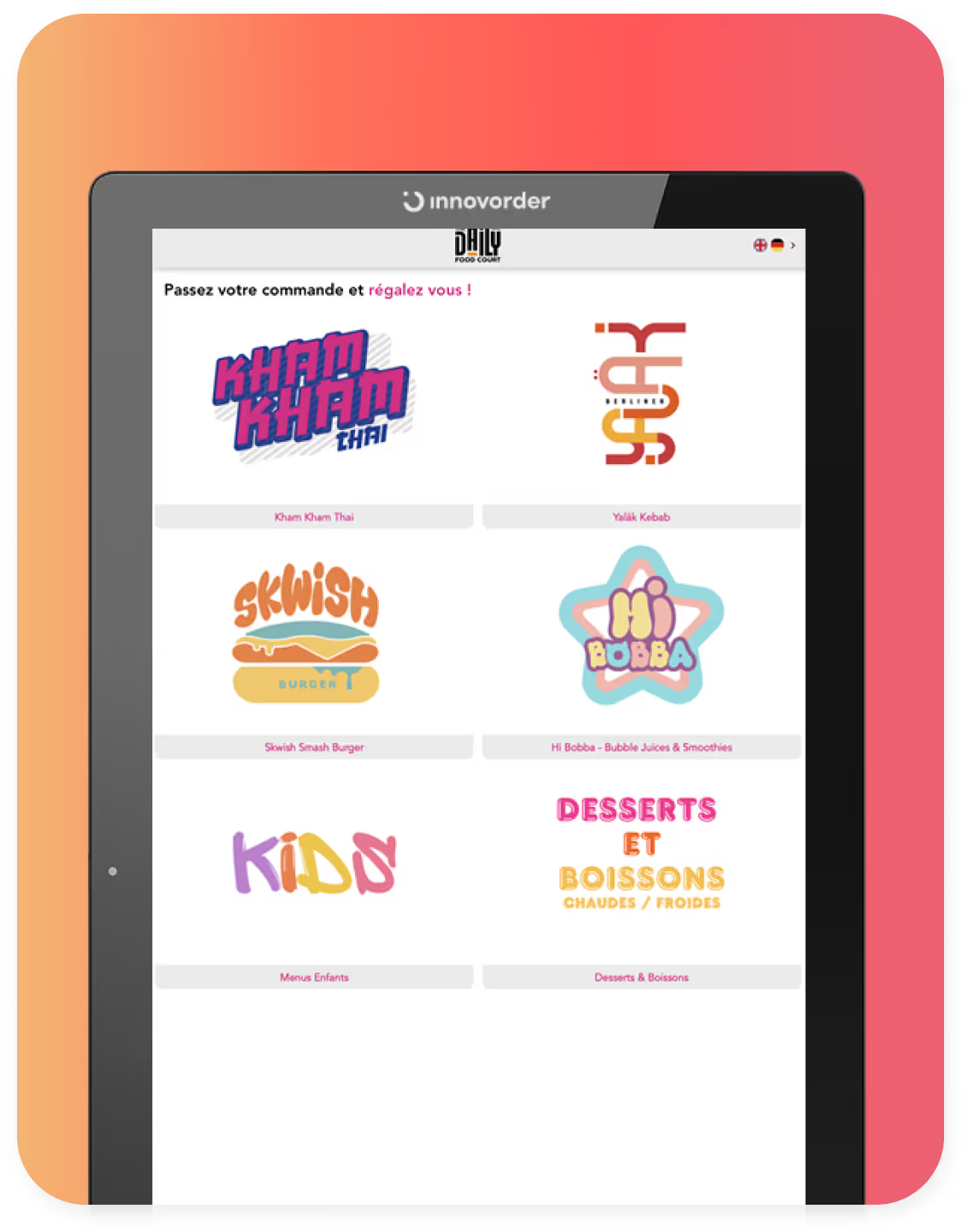
The configuration of your touchscreen kiosk must be personalized : enticing photos, highlighted products, quick ordering tunnel, etc. If the original interface does not match your image, do not hesitate to change it. 

Our tip: test the interface yourself, like a normal customer.

5. Forgetting about dynamic inventory management at the terminal

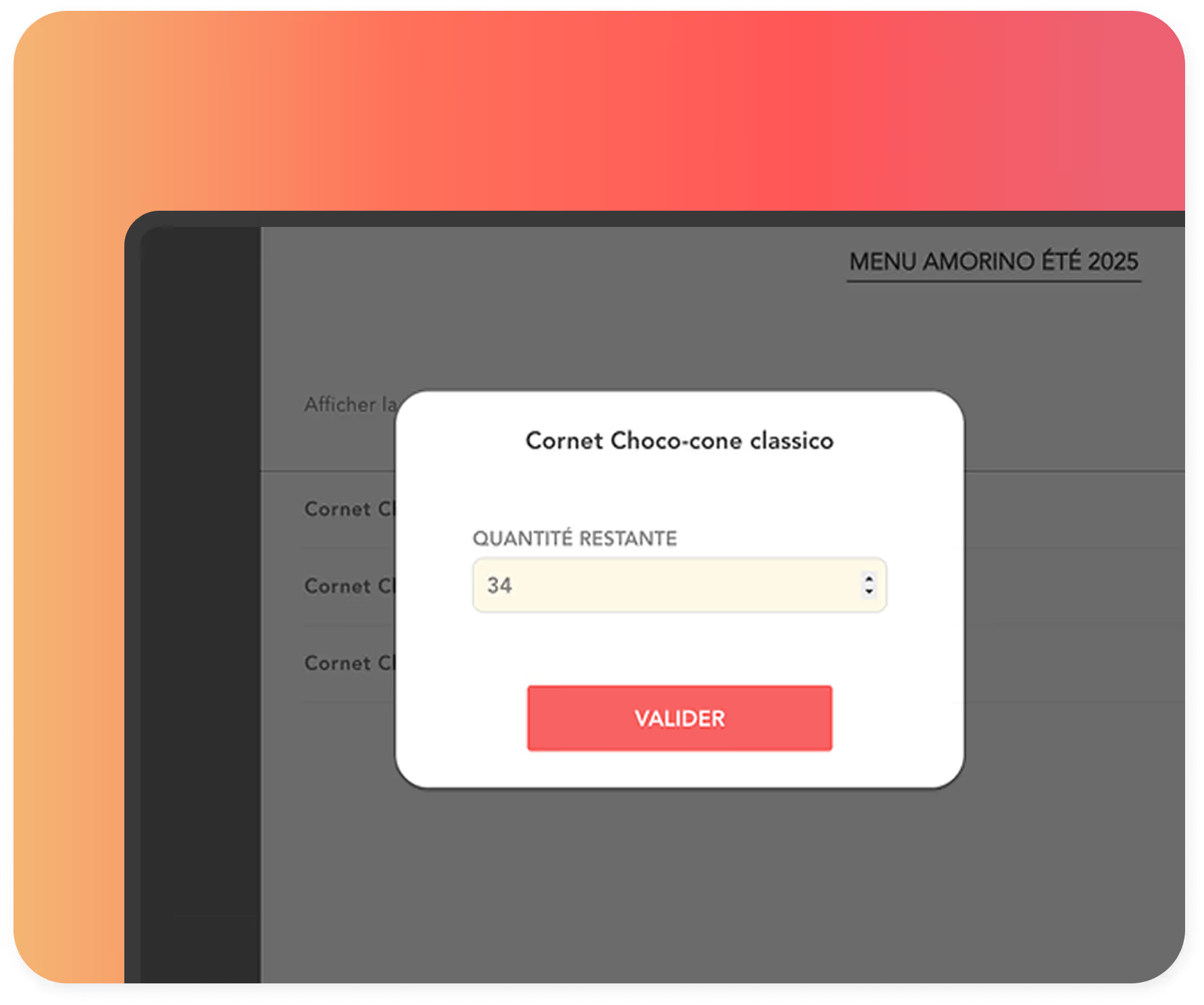
A product that's out of stock but still visible on the terminal? Nothing could be more frustrating for your customers. To avoid this type of display error, consider enabling real-time inventory management

6. Training teams too late or too little

Staff training for the kiosk is key. Your teams must know how to explain its operation to customers and how to respond in the event of a bug or slowdown.

Think about it from the commissioning phase: trained staff = a well-used terminal = an investment that quickly pays for itself.

7. Underestimating operating and update costs

Installing a control terminal doesn't end with the big day. You need to budget for software updates, maintenance, and upgrades to your card.

Too many fast food restaurants forget the additional costs associated with the self-ordering terminal and regret it afterwards.

8. Choosing a terminal format that is unsuitable for the space or concept

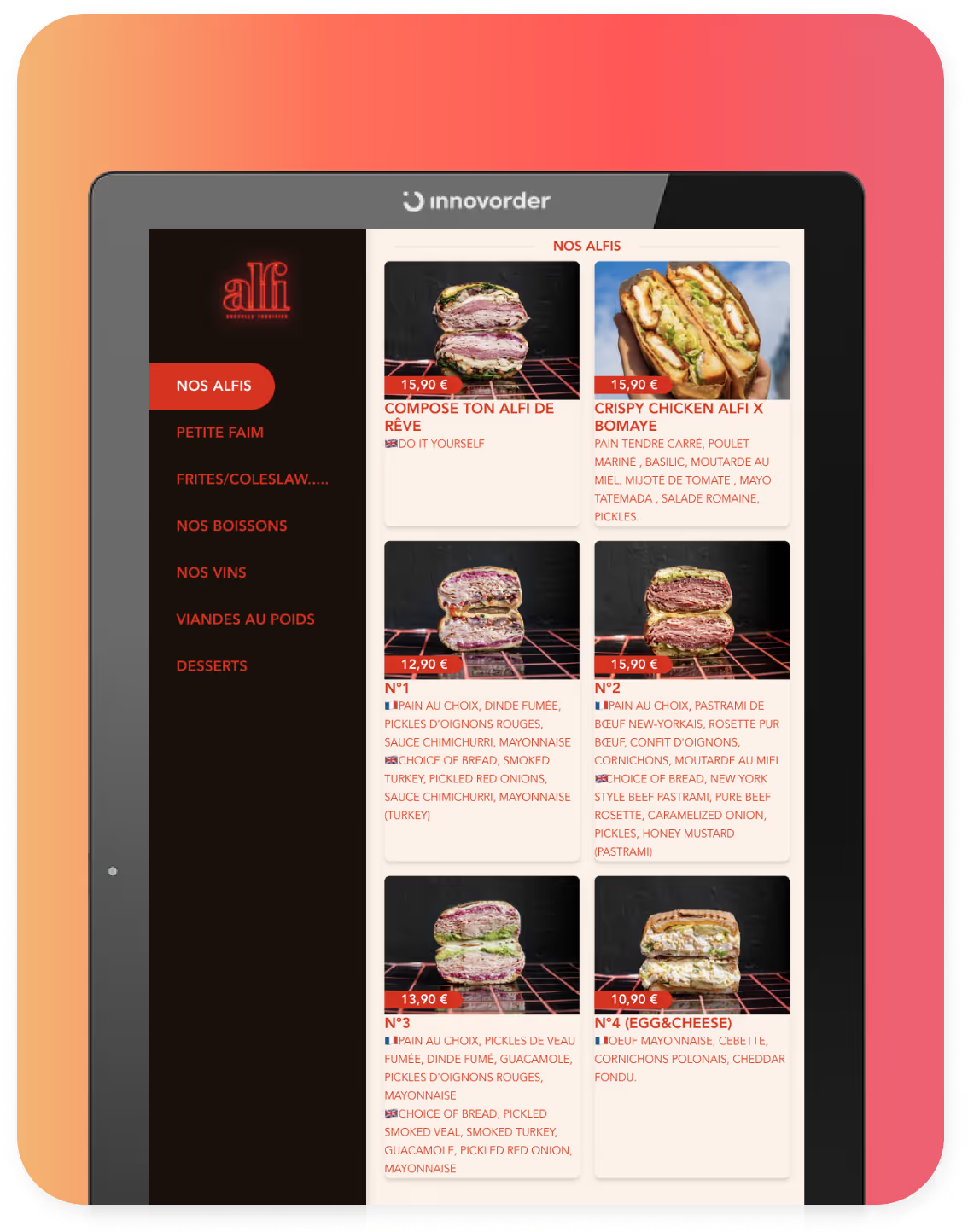
Short on space? Don't panic: there are several kiosk formats, including wall-mounted, free-standing, and integrated. Adapt the model to your concept and the layout of your restaurant . A well-chosen fast-food ordering kiosk blends harmoniously into your environment and enhances the efficiency of the customer journey. At Innovorder, we offer different formats to suit your needs. 

👉 To go further : Fast food ordering terminals: comparison of the best models

9. Not helping your customers get started

A kiosk launched without proper signage is a kiosk that goes unnoticed. Visible signage at the entrance, on-screen prompts, and real-time order status updates: each of these features helps drive adoption during the first few weeks. 

The first week is critical. Have a team member on hand to provide guidance, offer reassurance, and gather initial operational feedback.

Anticipate, test, integrate: the keys to a successful installation

A successful deployment follows a linear process: sizing → positioning → integration → training → testing → monitoring. Each step determines the next. Skipping any one of them will result in one of the nine errors described above.

Determine the appropriate number of terminals before deployment

Determining the required capacity is the first decision to make, even before choosing a model. On average, a kiosk processes 30 orders per hour under normal conditions. For a restaurant that serves 90 customers during peak hours, three kiosks are the minimum required for operations.

Undersizing means recreating exactly the line that the terminal was supposed to handle. Oversizing means tying up a budget without a proportional return.

Basic formula: estimated hourly throughput ÷ 30 = number of terminals to be provided. Adjust this figure based on the available space and the layout of the retail location.

Which KPIs should you track after installation?

Four indicators to watch for in the first few weeks:

  • Usage rate: Percentage of orders placed via kiosk 

Warning sign: less than 30% after 4 weeks

  • Average basket size at kiosks vs. checkout counters: Impact of the upsell module 

Warning: Terminal balance is equal to or less than the cash register balance = settings need to be reviewed

  • Abandonment rate: Orders started but not completed 

Warning sign: over 15% = UX needs simplification

  • Average order time: Smoothness of the customer journey 

Warning: more than 3 minutes = interface too complex

Restaurants equipped with Innovorder see an average increase of 25% in average order value for orders placed via the kiosk, with peaks of up to 40% when the upsell module is optimized (Innovorder internal data). This data is accessible in real time from the centralized back office, without having to wait for the end-of-day report.

Restaurants that successfully roll out self-service kiosks have one thing in common: a partner who anticipates potential pitfalls on their behalf and supports them every step of the way, from initial setup to day-to-day support, 7 days a week.

-

Are you thinking about installing a control terminal? Talk to our experts:

Contact an expert
Make an appointment
Christophe Peinoche
Christophe Peinoche
Catering expert
"With 20 years' experience working for some of the world's largest foodservice groups, I'm helping the sector with its digital transformation through innovative digital solutions."
Make an appointment with Christophe
Romain Vardon
Romain Vardon
Catering expert
"With solid experience in developing key accounts, I'm supporting the digital transformation of the foodservice sector by proposing innovative digital solutions to optimize operations."
Make an appointment with Romain
Caroline Motamedi
Caroline Motamedi
Catering expert
"After several years' experience in a major foodservice group, I support key accounts in optimizing their operations and digital transformation."
Make an appointment with Caroline
Subscribe to our newsletter.
Join our Product & Marketing newsletter, we will send you relevant news every month.