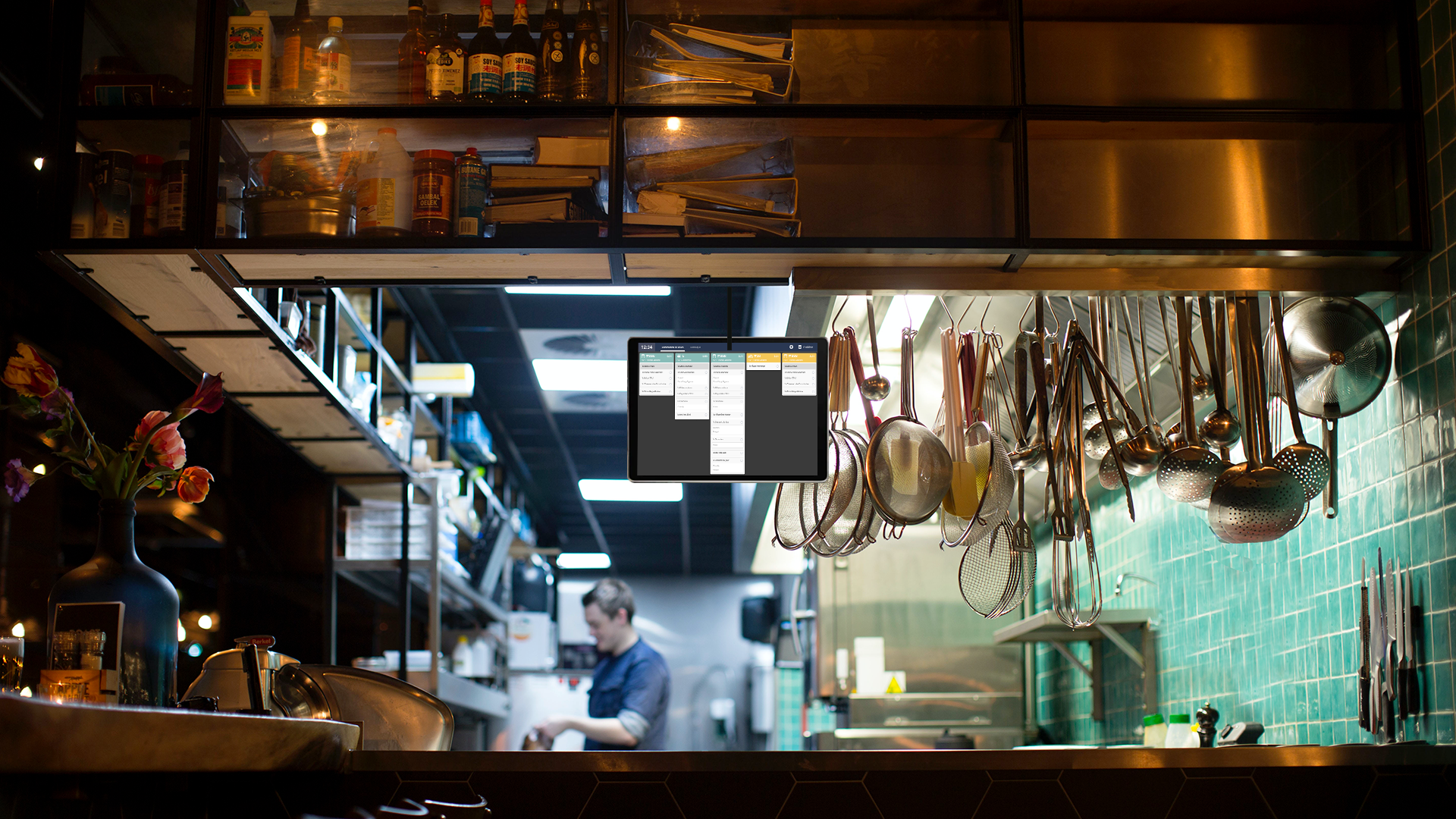
Synchronize KDS and online orders for greater efficiency
Noémie Daniel
January 1, 2026
Share this article
The rise of online ordering is profoundly transforming kitchen organization. Click & collect, home delivery, kiosks, cash registers, partner platforms: flows are multiplying and operational pressure is increasing. In this context, synchronizing KDS and online orders is becoming a key lever for securing production, streamlining service, and maintaining control across all channels.
Connecting a restaurant's KDS to its digital ecosystem allows for unified kitchen displays, reduces errors, and optimizes each stage of food preparation. This is a strategic challenge for establishments that want to absorb growth without sacrificing quality.
Why synchronize your KDS with your online order?
Synchronization is no longer just a technological convenience. It responds to a reality on the ground: a kitchen that has to manage several channels simultaneously.
The explosion of multi-channel orders in fast food
Whether it's dine-in, takeout, direct delivery, or via platforms, orders now come from everywhere. Managing multi-channel orders in the restaurant industry complicates the daily work of teams.
Without a centralized tool, each channel becomes a potential source of discrepancy. The KDS acts as a point of convergence, displaying all orders in one place, regardless of their origin.
When systems don't communicate, problems arise: oversights, duplicates, delays, preparation errors. The kitchen becomes less organized, stress levels rise, and the customer experience suffers.
KDS vs paper vouchers: the digital revolution in the kitchen
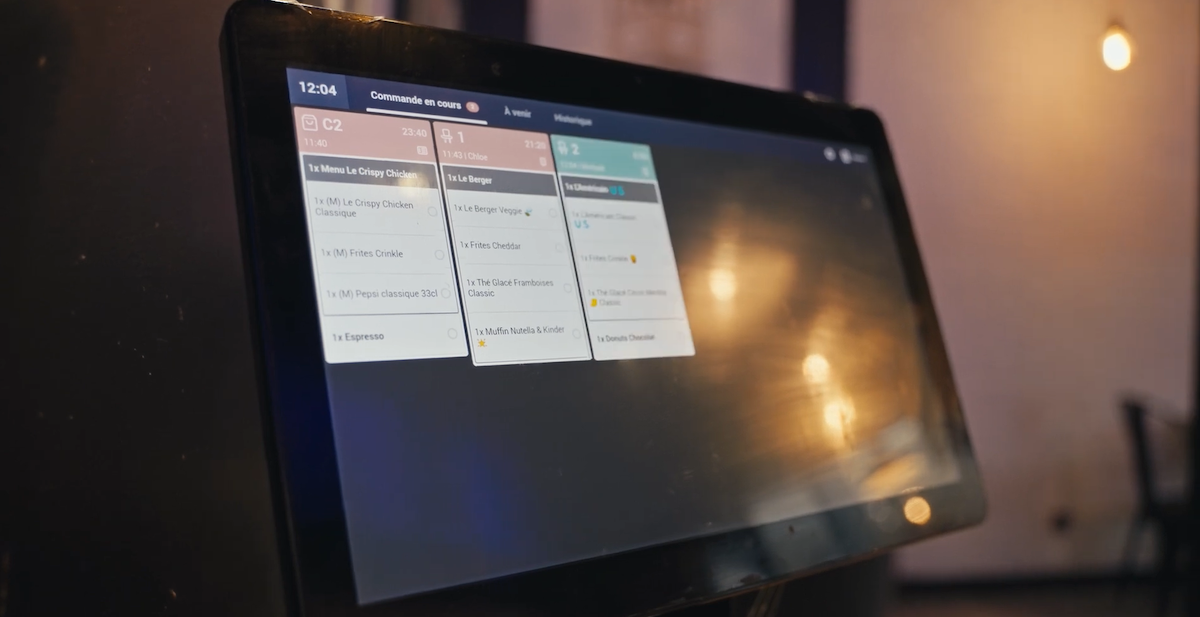
The difference between a KDS and a paper order form is clear. Paper does not update, prioritize, or measure anything. Conversely, a connected kitchen display allows you to view the status of orders in real time, anticipate peaks, and improve coordination between stations.
How does KDS synchronization and online ordering work?
Behind its ease of use lies a formula designed to absorb high volumes without interruption.
What is a KDS (Kitchen Display System)?
A KDS, or Kitchen Display System, is a digital screen that replaces paper tickets in the kitchen. It displays orders, their status, priorities, and sometimes preparation times.
What is the difference between a point-of-sale (POS) system and a KDS system? POS systems handle payments and record transactions, while KDS systems coordinate production.
The architecture of a synchronized ecosystem
Powerful restaurant order management software connects the cash register, kiosks, online ordering platforms, and KDS. This KDS cash register integration ensures automatic and reliable transmission of information to the kitchen.
“My business runs super smoothly because all my Innovorder solutions are perfectly synchronized with each other.” Damien Pugeault, BCHEF franchisee in Vannes
Real-time synchronization: unified display of all commands
It is this unified vision that makes KDS Restaurant a true operational maestro.
What are the concrete operational and financial gains?
Synchronizing your KDS means transforming constraints into measurable performance drivers.
Reduction of errors and improvement in service quality
Clear displays reduce preparation errors, oversights, and misunderstandings between stations. The result: fewer customer returns, less waste, more consistent quality, and, above all, more relaxed teams.
“For my teams, it's much easier in the kitchen. No more pressure from tickets coming out one after another.” Faizal Jogiat, Founder of Chicken Village
Optimization of preparation times and kitchen throughput
By viewing orders in real time, teams can work more smoothly. Downtime is reduced, priorities are automatically adjusted, and kitchen throughput increases without overloading teams.
A key advantage for absorbing peaks related to online orders.
Management and traceability: master your indicators
KDS provides valuable data: preparation time, volumes per channel, performance per station.
This monitoring allows weak points to be identified and the organization to be continuously adjusted.
ROI calculation: investment vs. earnings
Fewer errors, higher throughput, greater customer satisfaction. The return on investment of a connected kitchen display can be measured quickly, especially in high-volume or multi-site establishments.
How to set up and optimize your KDS synchronization?
Success depends on making the right technological choices and providing support in the field.
Choosing the right solution: selection criteria
Compatibility with existing channels, stability, ease of use, rich data. A high-performance solution must integrate naturally into the ecosystem without weighing down processes.
Deployment and training of teams
Training teams, adapting the display to work habits, and providing support during the initial rollout are key steps in getting the most out of synchronization.
KDS synchronization and online ordering are no longer technical issues reserved for large chains. They are becoming standard for any kitchen faced with a proliferation of channels. By centralizing information, reducing errors, and improving visibility, KDS transforms daily management into a real performance lever.
-
Why not switch to simpler, more connected management? Our Innovorder experts will guide you step by step to improve coordination between your online orders and the kitchen.
"With 20 years' experience working for some of the world's largest foodservice groups, I'm helping the sector with its digital transformation through innovative digital solutions."
"With solid experience in developing key accounts, I'm supporting the digital transformation of the foodservice sector by proposing innovative digital solutions to optimize operations."